

Key Takeaways
Charger Heat
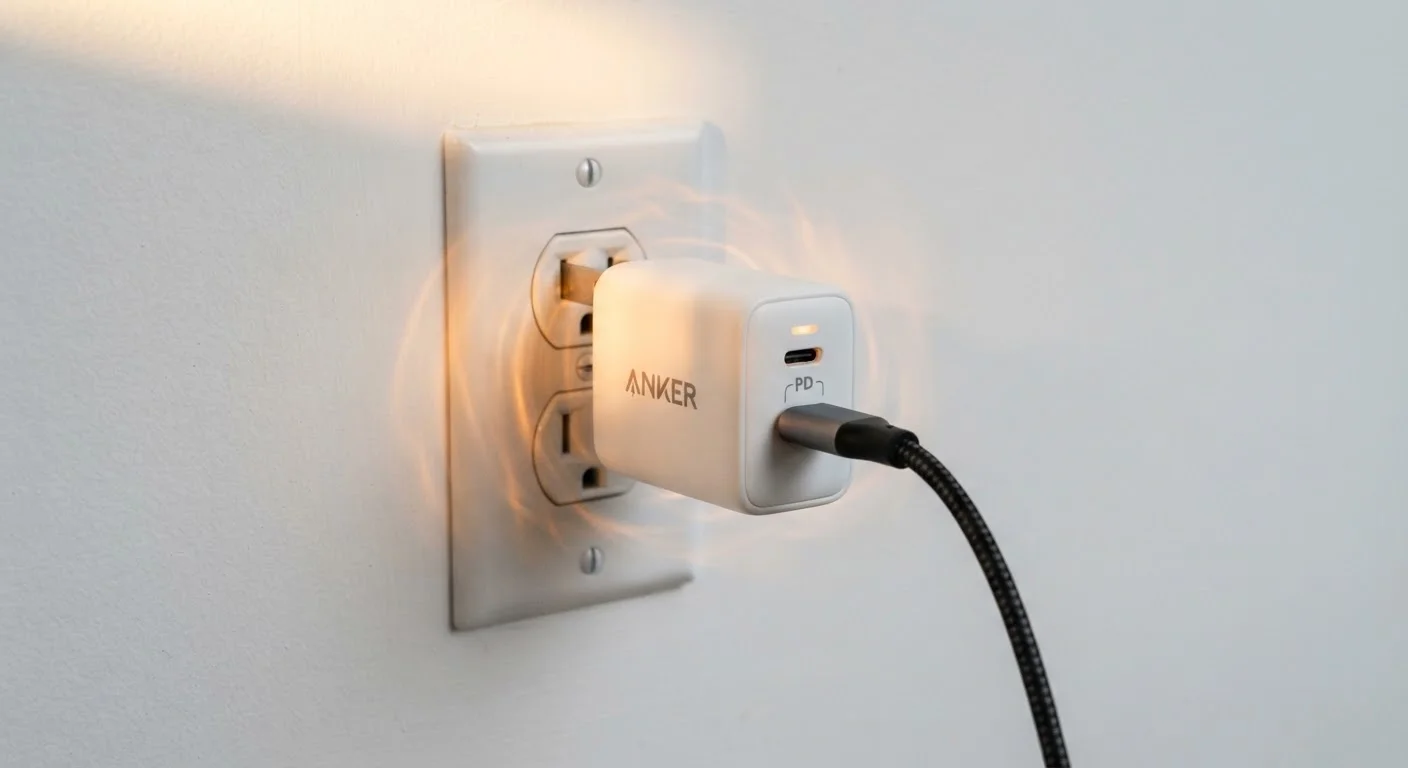
Chargers generate heat as a byproduct of converting AC power from your wall outlet into the DC power your device needs. This energy conversion is never perfectly efficient — some electricity is lost as heat. A warm charger is generally normal, but excessive or sudden heat can signal a fault in the charger, cable, or device.
The conversion efficiency of a charger is measured as a percentage; a higher-efficiency charger dissipates less heat. Most modern USB-C chargers using GaN (gallium nitride) semiconductors run cooler than older silicon-based designs at equivalent wattages.
What's Actually Happening Inside a Charger
Every charger performs one core job: it takes the 120V alternating current (AC) from your wall and converts it into the lower-voltage direct current (DC) your device's battery requires. Across that conversion — stepping voltage down, rectifying current, and regulating output — energy is lost. Physics dictates that lost energy becomes heat.
The amount of heat produced depends on two main factors: the charger's efficiency rating and how hard it's working. A 65W laptop charger running near its rated output will always feel warmer than a 5W phone charger doing the same proportional work. That's not a defect — it's the physics of power conversion at scale.
Modern GaN (gallium nitride) chargers represent a meaningful step forward in efficiency. Because GaN semiconductors switch power faster and with less resistance than traditional silicon, they waste less energy as heat. This is why compact, high-wattage GaN chargers can stay cooler than bulkier older designs rated for similar power.
GaN vs. Silicon: A Practical Difference
If you've noticed that newer compact chargers seem to run cooler than older bulky ones at the same wattage, GaN technology is the reason. GaN semiconductors switch electrical current faster and with less wasted energy. For consumers, this translates to smaller, lighter chargers that produce less heat — not a premium gimmick, but a measurable engineering improvement.
Normal Warmth vs. a Genuine Warning Sign
Distinguishing routine heat from a fault signal comes down to degree, consistency, and accompanying symptoms. Here's a practical breakdown:
- Warm but comfortable: The charger surface feels warm after 30 minutes of use. This is normal and expected.
- Hot but tolerable: You can hold it but don't want to. This warrants attention — check that the outlet isn't recessed (trapping heat), that the cable isn't damaged, and that you're not using a charger far below the device's power needs.
- Too hot to hold: This is outside normal operating range. Unplug the charger, let it cool, and do not continue using it without identifying the cause.
- Burning smell or visible discoloration: Stop use immediately. A burning odor or scorched plastic indicates internal damage that poses a fire risk.
- Swollen, cracked, or sparking: These are serious electrical faults. Do not attempt to use or move the device; unplug it carefully if safe to do so, or contact a professional.
Check for a Safety Certification Mark
Before using any charger — especially one purchased from a third-party marketplace — look for a UL, ETL, or CE certification mark on the unit or its packaging. These marks indicate the product has been tested against recognized safety standards. A charger with no identifiable certification mark warrants extra caution.
Just as dashboard warning lights in a car signal problems of varying urgency — some manageable, some requiring immediate action — charger heat follows a similar spectrum. Understanding that spectrum is key to a safe response. For a parallel look at reading device alerts, see how warning signs communicate urgency.
Common Causes of Excessive Charger Heat
When a charger runs hotter than expected, one of several root causes is usually responsible:
~90–95%
Efficiency range of quality GaN chargers
High-quality GaN chargers convert roughly 90–95% of input power to usable output, compared to 80–85% for many older silicon-based designs, per general power electronics benchmarking data.
60°C
Common surface temperature threshold for concern
IEC and UL consumer electronics standards typically set external surface temperature limits around 60°C (140°F) for components users may touch during normal operation.
~25%
Share of recalled electronics involving charging components
U.S. Consumer Product Safety Commission recall data consistently shows charging cables and adapters among the most frequently recalled consumer electronics categories.
- Mismatched wattage
- Using a low-wattage charger to power a high-demand device forces it to operate at or beyond its designed capacity continuously, generating excess heat.
- Damaged cables
- A frayed or kinked cable creates electrical resistance at the point of damage. That resistance manifests as heat — sometimes in the cable itself, sometimes back at the charger.
- Counterfeit or non-certified chargers
- Chargers lacking proper safety certifications (look for UL, ETL, or similar marks on the packaging) often omit thermal protection components. They are more likely to overheat and far more likely to fail dangerously.
- Blocked ventilation
- Charging under a pillow, inside a bag, or in a tight recessed outlet prevents heat from dissipating. The charger's surface temperature climbs even if it's otherwise functioning correctly.
- Age and internal wear
- Capacitors and other internal components degrade over time. An older charger that recently started running hotter than usual may have a failing component.
Charging habits also affect battery longevity in ways many users don't expect — heat is one of the primary stressors on lithium-ion cells.
What to Do If Your Charger Overheats
If your charger is running hotter than the comfortable-to-warm range, take a structured approach rather than simply ignoring it or immediately discarding the unit:
- Unplug and let it cool before inspecting. Never pull a sparking or smoking charger by the cord.
- Inspect the cable and connectors for fraying, kinking, or bent pins. A damaged cable is often the source, not the charger itself.
- Check the environment. Move the charger to an open surface with airflow and retry.
- Verify compatibility. Confirm the charger's wattage is appropriate for the device you're powering. Device manufacturers publish recommended charger specs.
- Check for certification marks. If the charger has no recognizable safety certification mark, replacing it with a certified alternative is a straightforward risk reduction step.
- If overheating persists with a known-good cable and adequate ventilation, retire the charger. The internal components may be failing.
This article is for general informational purposes only. If you suspect an electrical hazard or fire risk, contact a qualified electrician or your local fire safety authority rather than attempting to diagnose or repair the device yourself.