

Key Takeaways
Smart Home Hub
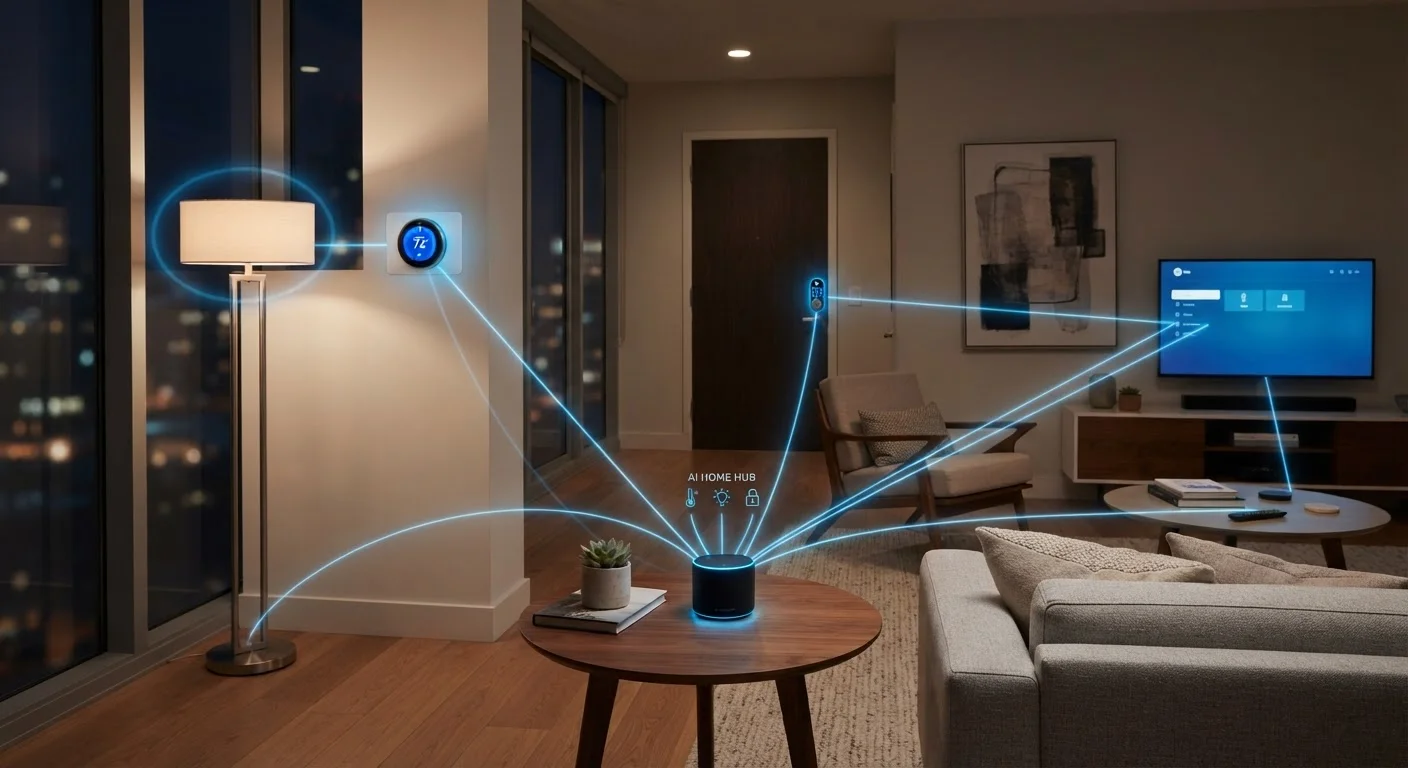
A smart home hub is a dedicated device that translates communication between smart home products that use different wireless protocols — such as Zigbee, Z-Wave, or Thread — so they can all work together in one system. Unlike a Wi-Fi router, a hub doesn't provide internet access; it manages local device-to-device communication. Think of it as an interpreter that lets your smart lock, lights, and sensors hold a conversation even if they were built to speak different languages.
Hubs typically communicate using low-power radio protocols (Zigbee, Z-Wave, Thread) that are designed for battery-powered and low-bandwidth devices, operating separately from your home's Wi-Fi network.
Hub, Router, or App — What's Actually Different?
The confusion usually starts here. Your Wi-Fi router connects your home to the internet. Your smart home app gives you a control interface on your phone. A hub does something different from both: it creates a local network specifically for smart devices and translates between their communication protocols.
Many consumers never need a dedicated hub because their devices all run on Wi-Fi and communicate through manufacturer apps or a voice assistant platform. But Wi-Fi isn't the only wireless protocol smart devices use — and that's where a hub earns its place.
Zigbee and Z-Wave are low-power radio protocols designed for devices that need long battery life and reliable short-range communication: think door sensors, smart locks, and motion detectors. These devices can't connect to Wi-Fi natively. Without a hub that understands their language, they simply won't integrate into your wider setup. See our plain-language glossary of smart home terms for a breakdown of what each protocol actually does.
Hubs Are Not the Same as Smart Speakers
Some smart speakers include a built-in hub — meaning they can communicate with Zigbee or Thread devices directly. But many smart speakers have no hub capability at all and simply send commands to Wi-Fi devices via the cloud. Check the technical specifications of any device before assuming it can serve as a protocol bridge. What smart speakers, displays, and soundbars actually control explains those distinctions in detail.
When a Hub Actually Matters
For a household with a handful of Wi-Fi smart bulbs and a voice assistant, a hub adds little. The calculus changes as a setup grows in size or complexity.
- Mixed-protocol devices: If you own products built on Zigbee, Z-Wave, or Thread alongside Wi-Fi devices, a hub that supports those protocols lets them coexist in one system.
- Local control: Hubs that process automations locally keep your devices responsive even when your internet connection drops. Cloud-dependent devices go silent without internet. This is a meaningful reliability difference.
- Automation depth: Hubs typically support more granular automation rules than app-based systems — triggering a series of actions across unrelated device brands based on time, motion, or sensor state.
- Larger deployments: Wi-Fi networks have practical device limits. Zigbee and Z-Wave mesh networks (where devices relay signals between each other) can handle dozens of nodes more efficiently.
If you're planning a connected home from the ground up, understanding which devices to install first can help you decide early whether a hub belongs in your architecture.
Check Protocol Support Before You Buy
Before purchasing any hub, list the wireless protocols your existing and planned devices use — Zigbee, Z-Wave, Thread, or Wi-Fi. A hub that doesn't support your devices' protocols won't help you integrate them. Protocol information is typically listed under 'Connectivity' or 'Technical Specifications' on product detail pages.
How the Matter Standard Is Changing Things
Matter is a newer connectivity standard backed by a broad coalition of device manufacturers. Its goal is cross-brand compatibility — a Matter-certified device should work with any Matter-compatible platform without special bridging.
This has real implications for hub relevance. Straightforward Wi-Fi or Thread Matter devices don't require a traditional hub to function across platforms. However, Thread devices still need a Thread border router — hardware that connects the Thread mesh to your IP network — which is now built into some smart speakers and hubs.
The result is a landscape in flux. Hubs aren't disappearing, but their role is narrowing toward users with legacy Zigbee or Z-Wave devices and those who prioritize local processing. The trade-offs of a fully connected home are worth reviewing before committing to any single architecture.
500+
Matter-certified devices available
The Connectivity Standards Alliance reported over 500 Matter-certified products within roughly a year of the standard's launch, accelerating cross-brand compatibility.
~65%
US households with at least one smart home device
Statista estimates suggest the majority of American households own at least one connected home product, a figure that has grown steadily through the early 2020s.
What to Consider Before Deciding
A hub is a means to an end — the end being a reliable, integrated home system. Before deciding whether one fits your situation, consider three things:
- What protocols your current and planned devices use. Check device packaging or spec sheets. If everything you own or plan to buy is Wi-Fi or Matter over Wi-Fi, a hub may be unnecessary overhead.
- How important offline reliability is to you. If you want lights, locks, and sensors to respond even during an outage, local hub processing is a genuine advantage.
- How much automation complexity you want. Simple schedules and voice commands don't require a hub. Multi-condition automations across mixed device types usually benefit from one.
Understanding what's already on your home network is a useful first step — knowing your current device count and protocol mix will clarify whether a hub solves a real problem you have, or one you don't.